Amazon Firestick Setup
Step 1: Install Downloader
(Free)
Go to the search bar on your Firestick
home screen and type "Downloader". Select the orange icon and
install it for free.
Step 2: Enable Unknown
Sources
Go to Settings > My Fire TV >
Developer Options. Turn on "Install unknown apps" and
ensure Downloader is set to "ON".
Step 3: Download ZenyaLive
App
Open Downloader and enter our direct
short-code. Click GO to start the download.
Step 4: Login & Stream
Once installed, open the app and enter your
Advanced Provider API (Username, Password, and Portal URL) provided in your
activation email.
Android TV & Box Setup
Step 1: Install Media App
(Recommended)
Search for "Media App Streaming
Player" in the Google Play Store. It is widely considered the best
free-to-start interface for Android devices.
Step 2: Add Your Playlist
Open Media App, select "Add
Playlist", then choose "Advanced Provider API". Enter the
Server URL, Username, and Password from your ZenyaLive email.
Apple TV & iOS Setup
Step 1: Install Third-Party Media Player
Lite (Free)
Download "Third-Party Media Player
Lite" from the App Store. It is a free, high-performance app for all
Apple devices.
Step 2: Activation
Select "Login with Advanced Provider API
API" and enter your credentials for the best user experience.
Smart TV Setup
Step 1: Install Streaming
Third-Party Media Player (Free)
Search for "Third-Party Media Player
Pro" in your TV's app store. It is the most reliable free option for
Samsung and LG TVs.
Step 2: Login via Provider API
Codes
Use the "Login with Advanced Provider API
API" option. This allows you to sync your channel list and EPG
automatically.
PC & Laptop Setup
Option 1: Web Player
Visit our official web player portal link
provided in your activation email. No installation required.
Option 2: Third-Party Media Player
Desktop
Download the Third-Party Media Player
executable for Windows or Mac from our official resources link.
Mobile Streaming
Setup
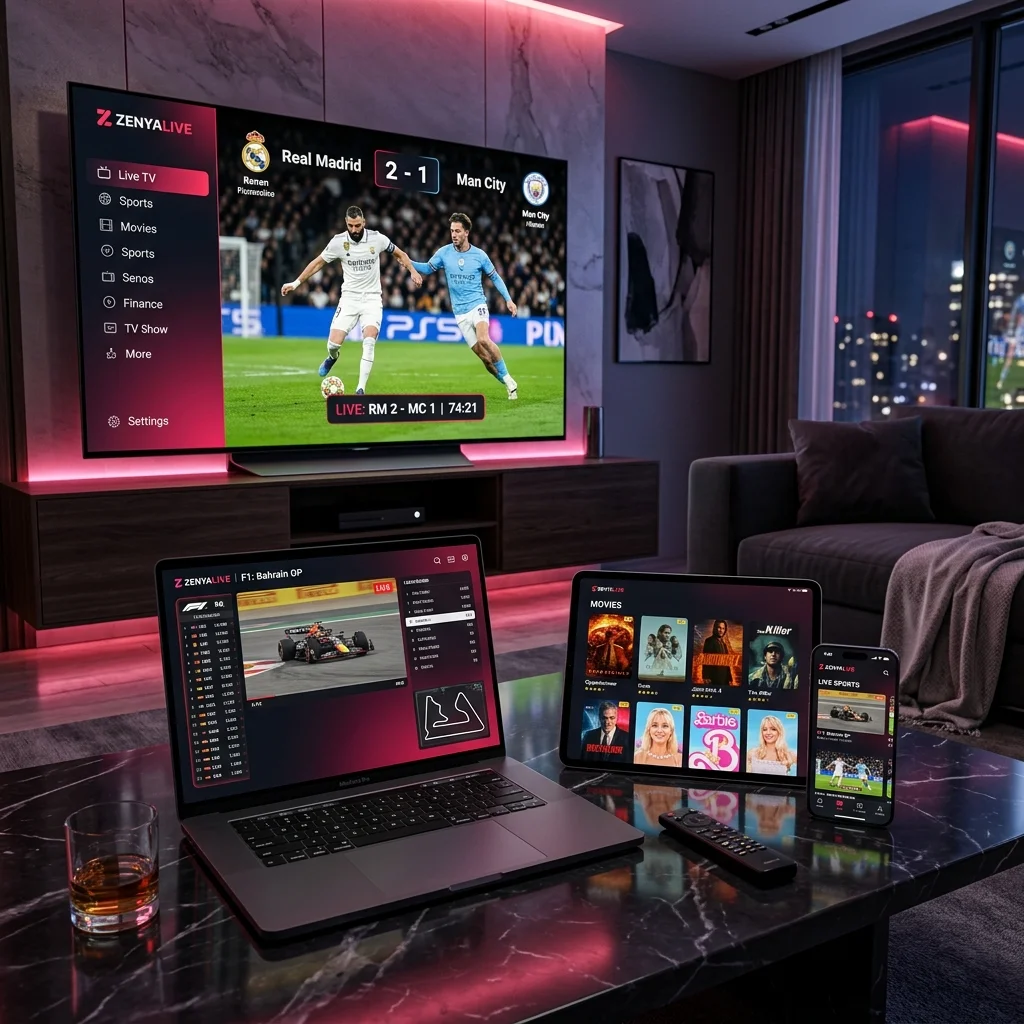
ZenyaLive works perfectly on any smartphone or
tablet. Use the same steps as the Android or Apple
guides above depending on your OS.
Roku Setup
Note on Roku Ecosystem
Roku is a closed system. Direct Streaming apps
are often removed. We recommend using Screen Mirroring from an
Android/Apple device or using the "Hot Player" app if available.
Legacy Set-Top Box Setup
Step 1: System Settings
Go to Settings > System Settings >
Servers > Portals.
Step 2: Enter Portal URL
Enter "ZenyaLive" as Portal 1 name and input
the Portal URL from your email. Reboot the box to load the
channels.